Cocoa Packet Analyzer

A native macOS packet analyzer.

PCAP capture, plugin-based protocol dissection, and macOS-native UI — fully rewritten in Swift.

Universal binary · macOS 26 or later · notarized

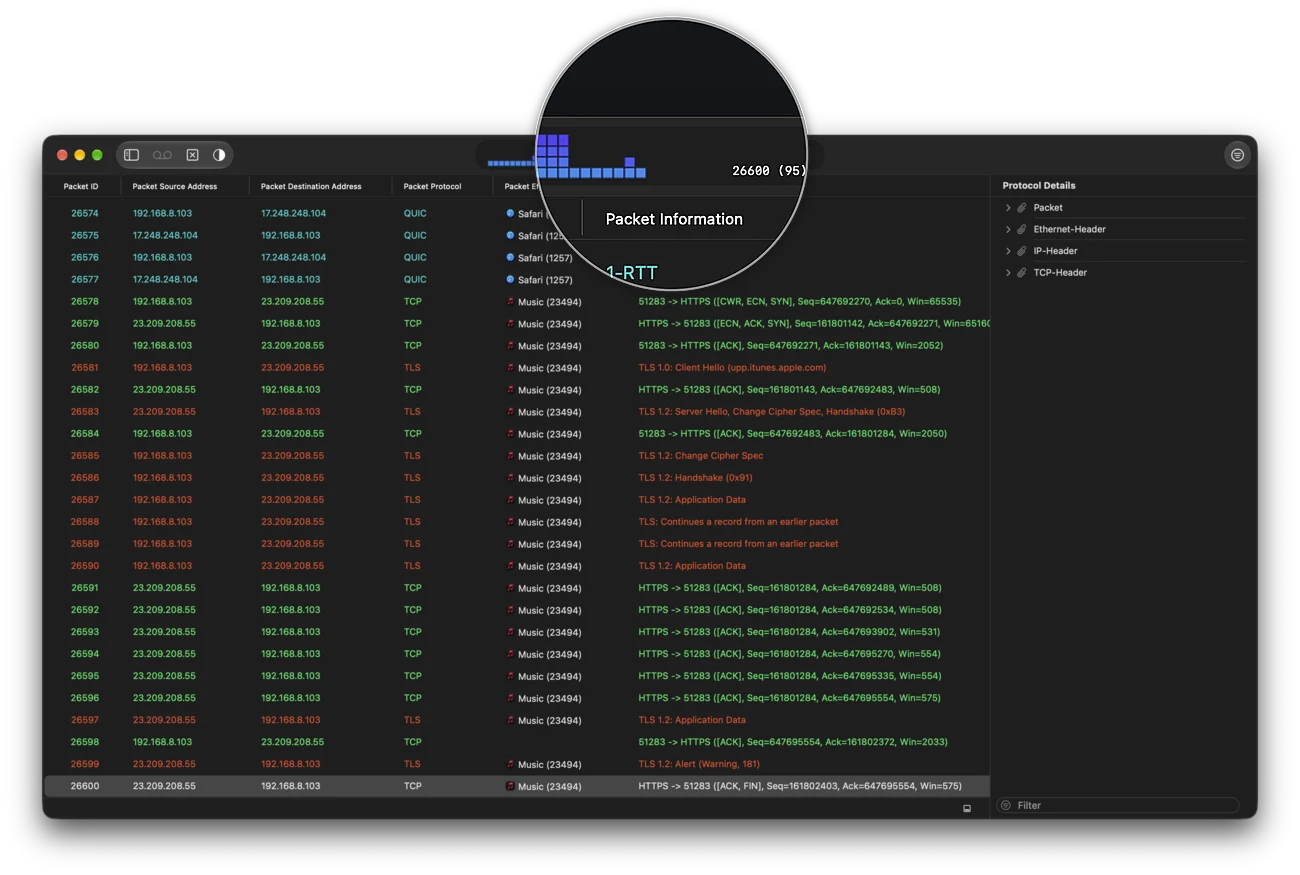
CocoaPacketAnalyzer main window
Features

Built for the way you analyze.

Capture

Capture network traffic using Ethernet or Wi-Fi interfaces.

Analyze

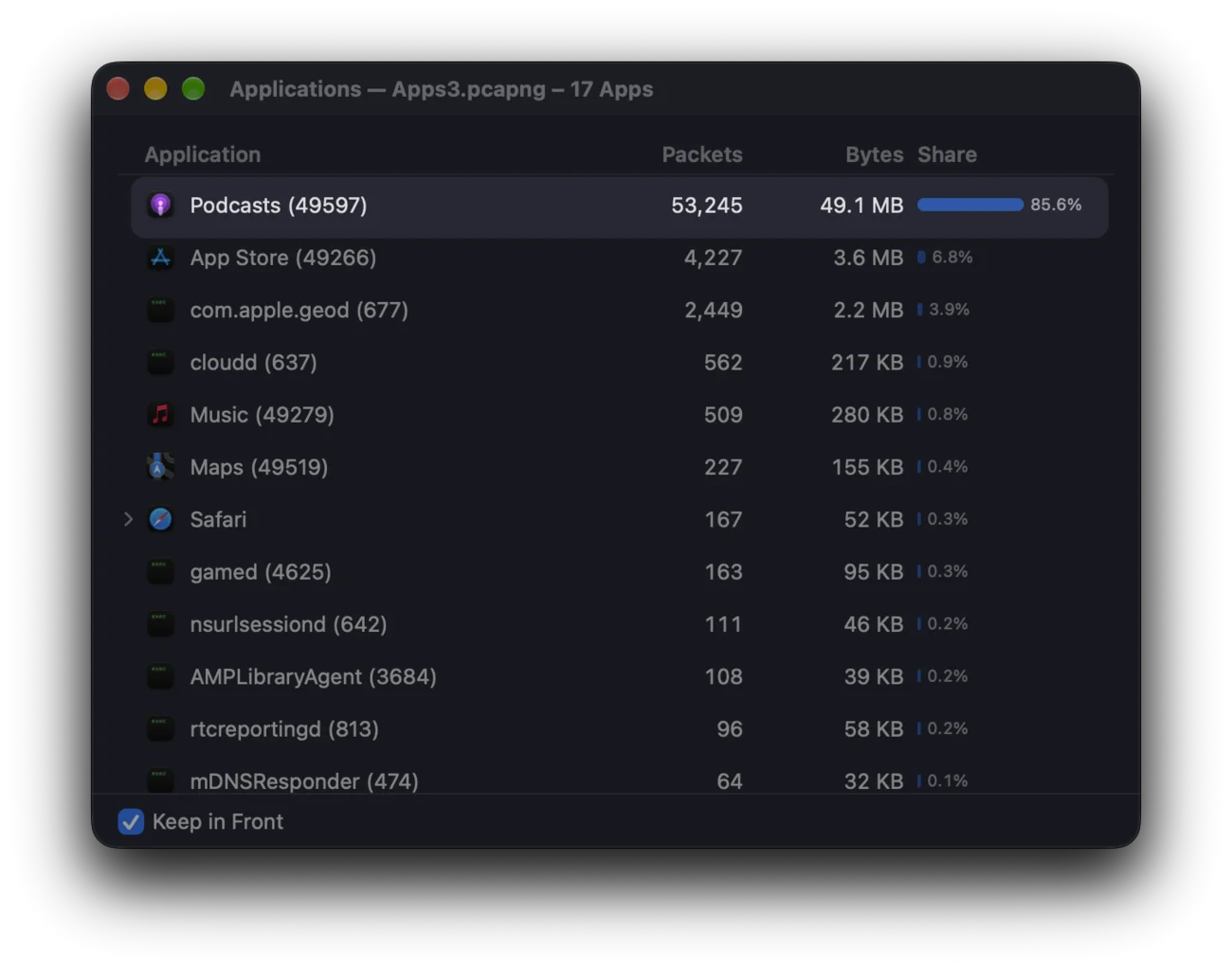
A variety of network protocol analyzers to display and filter your trace files are included.

QuickLook

Preview packet traces in Finder - a QuickLook extension is included just for it.

Enhance

Creating analyzer plugins using the Cocoa bundles plugin technology should be straightforward.

Dark Mode

Supporting all appearance modes of macOS.

Print

Bring your traces to paper.

Notarized

Releases are notarized by Apple. Beta builds might not be.

Localization

English, German and basic Japanese localizations are included.

TLS / HTTPS

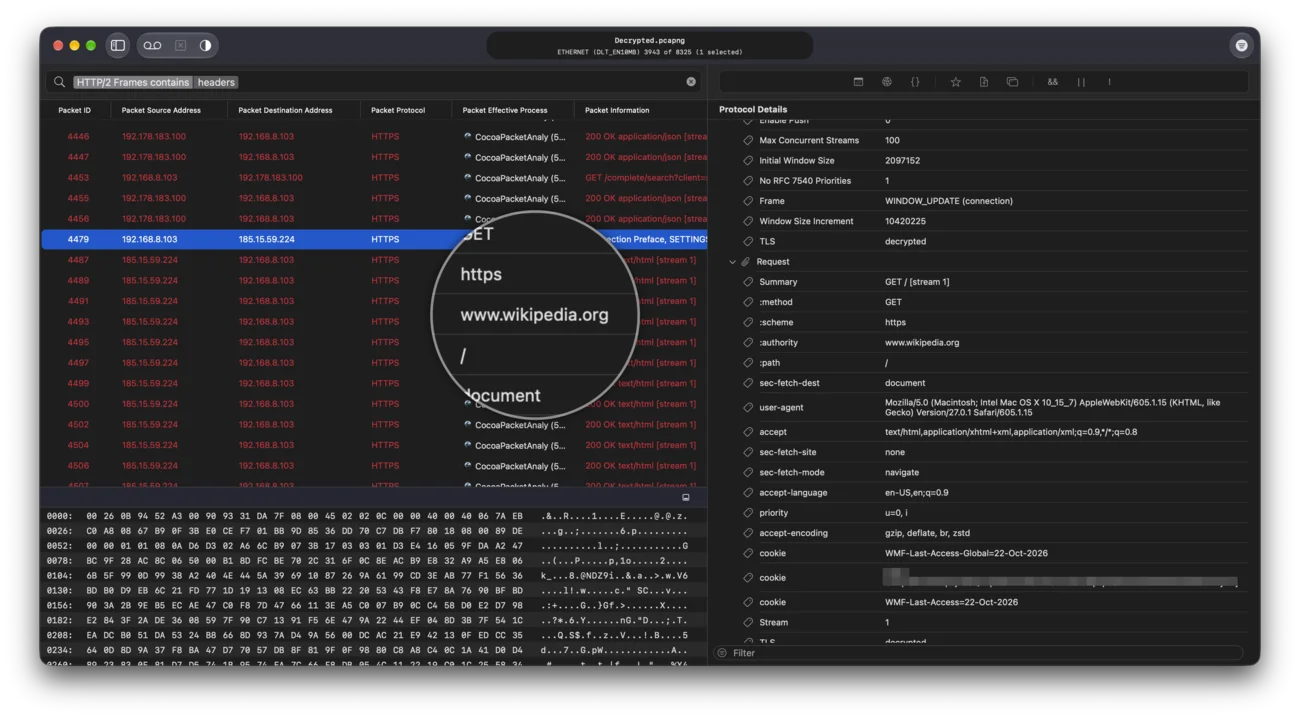
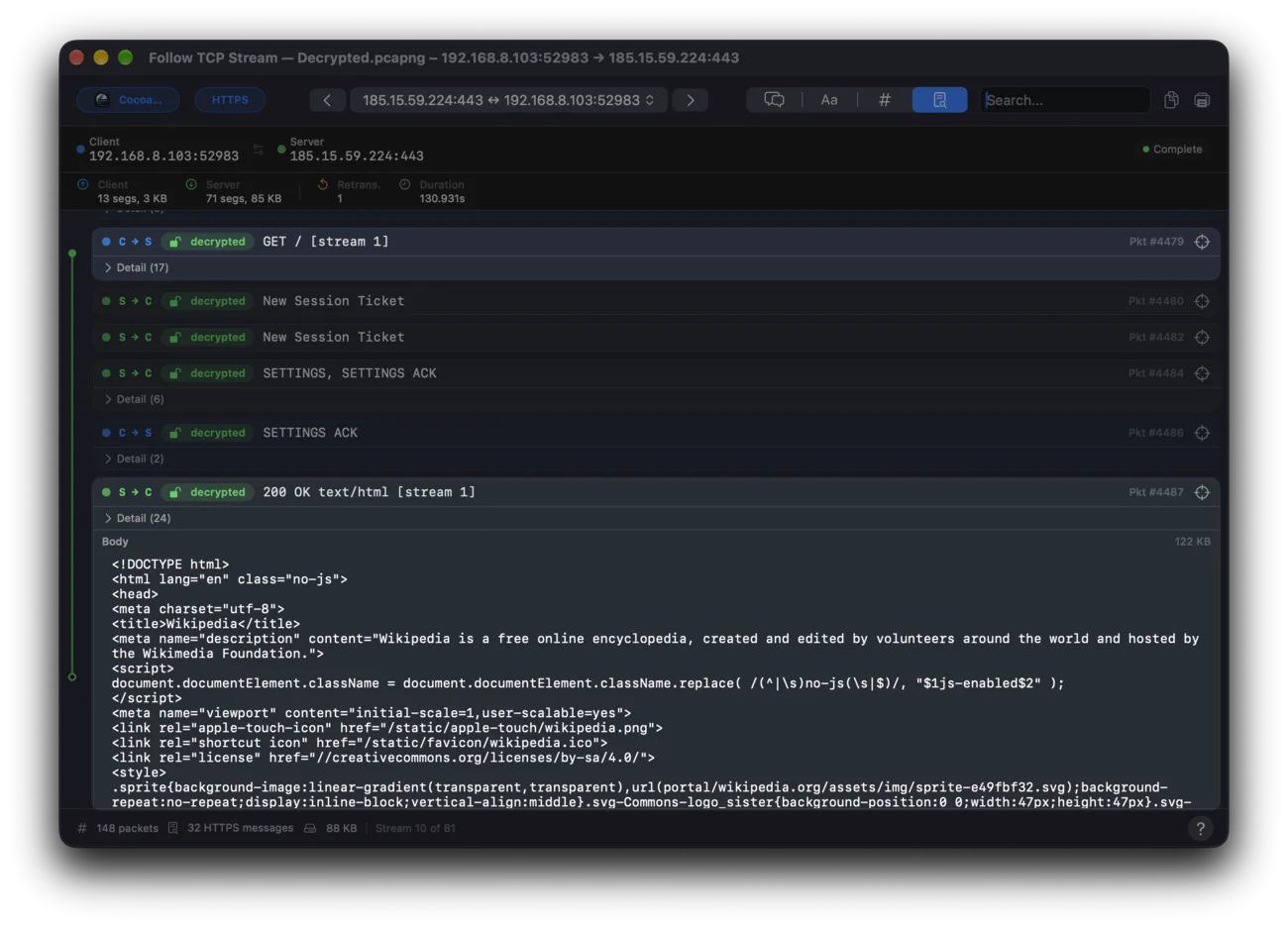
Dissect the TLS handshake and certificates, and decrypt TLS 1.2 / 1.3 traffic with an SSLKEYLOGFILE.

MITM Proxy

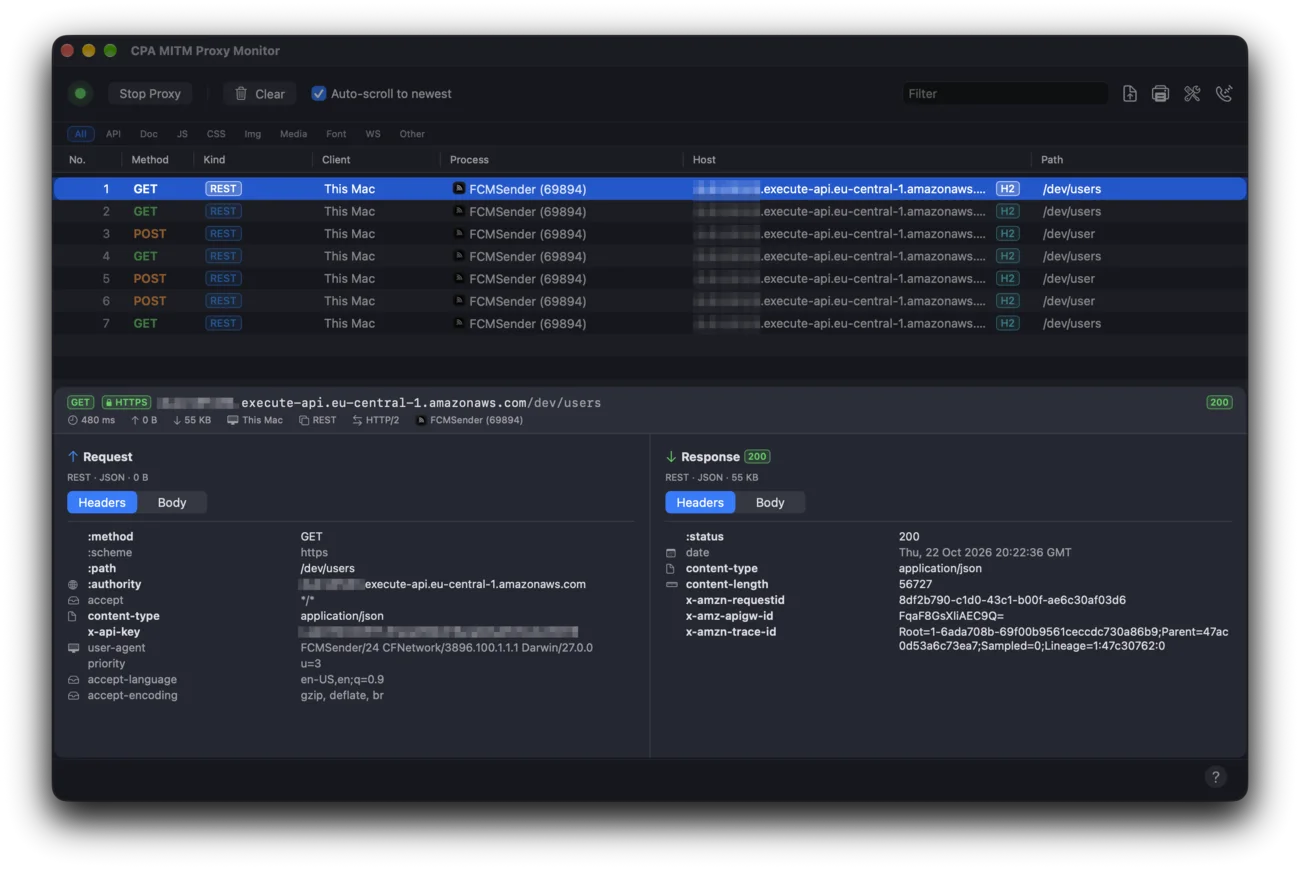
A built-in HTTPS proxy with a live flow inspector so decryption just works — no key-log file required.

pcapng

Read and write the modern pcapng format, with per-packet comments and embedded TLS decryption secrets.

Screens

From capture to conversation.

Downloads

Get CocoaPacketAnalyzer.

Version 2.6.0

The latest release. Universal binary.

Requires macOS 26 or later. New TLS / HTTPS analyzer with certificate and handshake dissection and TLS 1.2 / 1.3 decryption via an SSLKEYLOGFILE in Follow TCP Stream; a built-in CPA MITM Proxy with a live flow inspector so HTTPS decryption just works, no key-log file required; native pcapng read & write with embedded TLS decryption secrets, plus QuickLook previews and pcapng file metadata; a redesigned Xcode-style Welcome window; link-layer-padding fix for TCP reassembly; and expanded German & Japanese localization.

CPAPluginSDK 2.5.6

Single-import Swift SDK for writing .cpaplugin protocol analyzers. Includes DocC documentation and an NTP analyzer sample (XCFramework workflow). Requires CPA 2.5.6+.

Version 2.1.4

Previous release. Universal binary.

For Macs running macOS 10.14.6 – 15.7.4. Not compatible with macOS 26.

Version 1.90

Legacy build. Requires Intel Mac running macOS 10.12 or higher.

Version 1.51

Legacy build for older macOS releases.

Version 1.11

Legacy build for the oldest supported macOS.

FAQ

Frequently asked questions.

The ethernet and wifi interfaces that come with your Mac should just work fine!

Ethertypes: ARP, IP (v4/v6), PPP, PPPoED/S, 802.1Q VLAN, MPLS

Linktypes: Loopback, PPP, LinuxSLL, IEEE802.11-RadioTap

Analyzer plugIns for the following protocols are included:

Link & framing: Ethernet, ARP, 802.1Q VLAN, MPLS, PPP, PPPoE (Discovery & Session), LinuxSLL, IEEE 802.11 RadioTap, Loopback

Network: IP (v4/v6), ICMP (v4/v6), IGMP, OSPF, Mobility, ESP

Transport & tunneling: TCP, UDP, L2TP, MPLS-in-IP

PPP control: LCP, IPCP (v4/v6), CCP, PAP, CHAP

Application: HTTP, WebSocket, DNS, DHCP (v4/v6), FTP, SMTP, POP3, IMAP, NNTP, SSH, Telnet, SIP, IAX, SNMP, LDAP, BGP, RADIUS, SMB, SOAP, Hotline

Promiscuous mode can be enabled in the capture preferences. Most interfaces in Apple Computers should support it.

Monitor mode allows packets to be captured without having to associate with an access point or ad hoc network first. Monitor mode only applies to wireless networks. Not all wifi interfaces support it. It can be enabled in the capture preferences.

Monitor and promiscuous mode wont work if both are enabled.

Download the CPAPluginSDK above. The SamplePlugIn/CPAPluginSDK.docc/ catalog contains a step-by-step walkthrough (WritingYourFirstPlugin, ProtocolContract, ThreadingModel, DistributingYourPlugin), and the included NTPAnalyzer-XCF Xcode project shows a complete working analyzer you can build and ship as a .cpaplugin bundle. Questions welcome — feel free to reach out.

Yes — CocoaPacketAnalyzer 2.5.0 requires macOS 26 or later. Earlier systems (macOS 10.14.6 – 15.7.4) can stay on 2.1.4.